We Care About Your Privacy
By clicking “Accept all”, you agree to the storing of cookies on your device to enhance site navigation, analyze site usage, and assist in our marketing efforts. View our Privacy Policy.
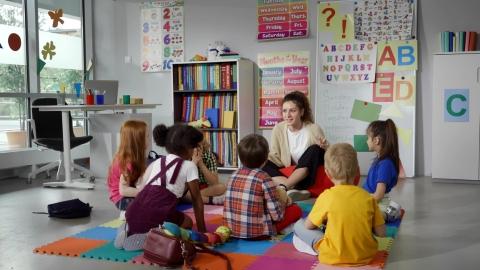
Dual coding, developed by Allan Pavio, is a teaching method that combines different types of stimuli to support students to learn and remember information. It is particularly beneficial for learners with special educational needs. An example might be combining words with pictures or audio with text.
Tip or Idea: Start with an image and ask students to explain in their own words what they mean or flip it around and provide students with a word and ask them to draw or create their own image.
Free resource to help you with this activity: Dual coding is key to the Learning Village programme. Try using our exercise resources to see how the combination of images and words can help your learners.


We all learn in different ways. Helping your students to identify what works best for them is really important. Do they prefer visual aids, make links with existing learning or use movement and actions to help them remember things? Identifying their own personal preferences and effective practices will benefit lifelong learning and help your students to succeed.
Learners with speech and language difficulties may find it difficult to remember words or think or the word they want to use when they are talking.
Tip or Idea: Think of a category such as ‘animals’ or ‘things in a kitchen’ and then see how many words you can name. Each time you think of a word place a Lego piece on top of another and see how tall a tower you can build!
Progressing from single words to full sentences is essential for learners’ confidence and access to the curriculum. The first goal is to build vocabulary and meaning. Start with key vocabulary using visuals, repetition, and word banks. Next, support learners with sentence stems and substitution tables to build phrases and gradually progress to expanding sentences with adjectives and conjunctions.


The 10 most recently created lessons by the Learning Village team:
Blended vocabulary, language structure and reading programme for EAL and multilingual learners
Once you have registered for your free trial we will be in touch to get you started on the first step of your Learning Village Journey.